

API Keys and Service Keys
Create and manage API keys for user access and Service Keys for automated, non-human workloads.
The API Keys page in the Kimchi console is where you create and manage credentials for accessing Kimchi. It has two tabs: API Keys for user-owned credentials, and Service Keys for credentials not tied to any user, intended for automated systems.
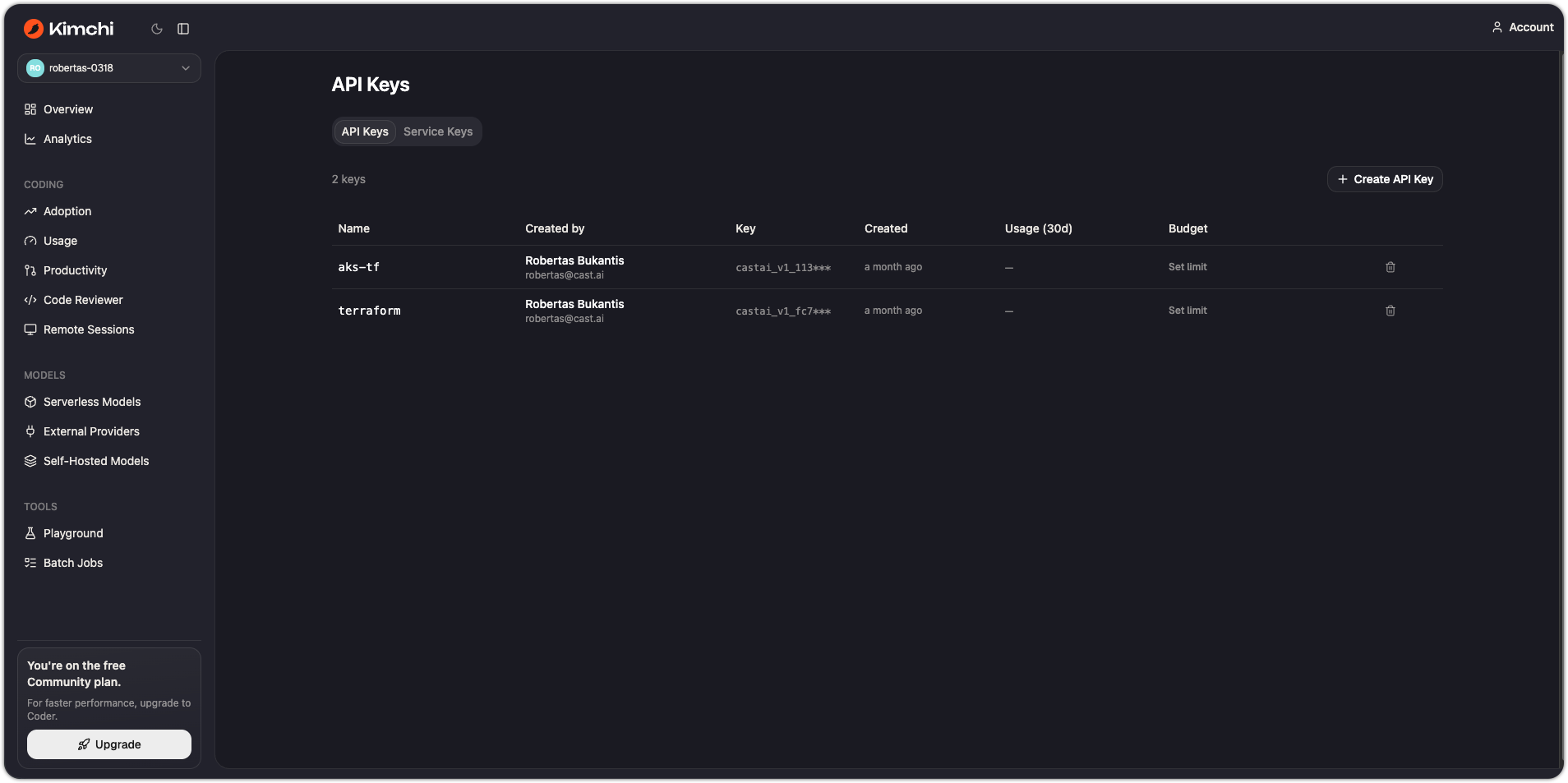
API Keys vs Service Keys
| API Keys | Service Keys | |
|---|---|---|
| Owner | A specific user in your organization | Not tied to any user |
| Intended for | Individual developers, set up automatically when you log in with kimchi login | Automated workloads: CI/CD pipelines, scheduled jobs, infrastructure agents |
| Attribution in Reporting | Usage attributed to the owning user | Excluded from per-user breakdowns by default |
| Budget | Set per-key on the Budgets page | Set per-key on the Budgets page |
Create an API Key
- Go to API Keys and make sure the API Keys tab is selected.
- Click + Create key, give it a name, and click Create.
- Copy the key immediately — it is shown only once.
How the Kimchi harness creates API Keys automatically
Running kimchi login does this for you: it opens the browser to the Kimchi console, which generates an API key and delivers it back to the CLI. The harness then writes the key to ~/.config/kimchi/config.json and appends export KIMCHI_API_KEY=<key> to your shell profile (.zshrc, .bash_profile, or config.fish) so new shells pick it up automatically.
If KIMCHI_API_KEY is already set in the environment before the harness starts, it uses and saves that key directly without prompting.
Create a Service Key
Service Keys are not created by the harness — you create them in the console and inject them into your automated environment yourself.
- Go to API Keys in the Kimchi console.
- Click the Service Keys tab.
- Click + Create key, give it a name, and click Create.
- Copy the key immediately — it is shown only once.
Set the key as KIMCHI_API_KEY in your CI/CD secret store and inject it into the environment at runtime. The harness and Inference API both read KIMCHI_API_KEY without any distinction between key types.
Delete a key
Click the trash icon next to any key and confirm the prompt to delete it. Deletion is permanent. Any system using that key stops authenticating until it is updated with a replacement.
See also
Updated 11 days ago